Stay close to the market
Follow live prices, market movements and order books for the pairs you care about.
RoyalEX APP · ANDROID
From live markets to account management. Take RoyalEX with you, wherever the day takes you.
Download for Android
Open in your mobile browser and follow the installation prompts.
View installation guide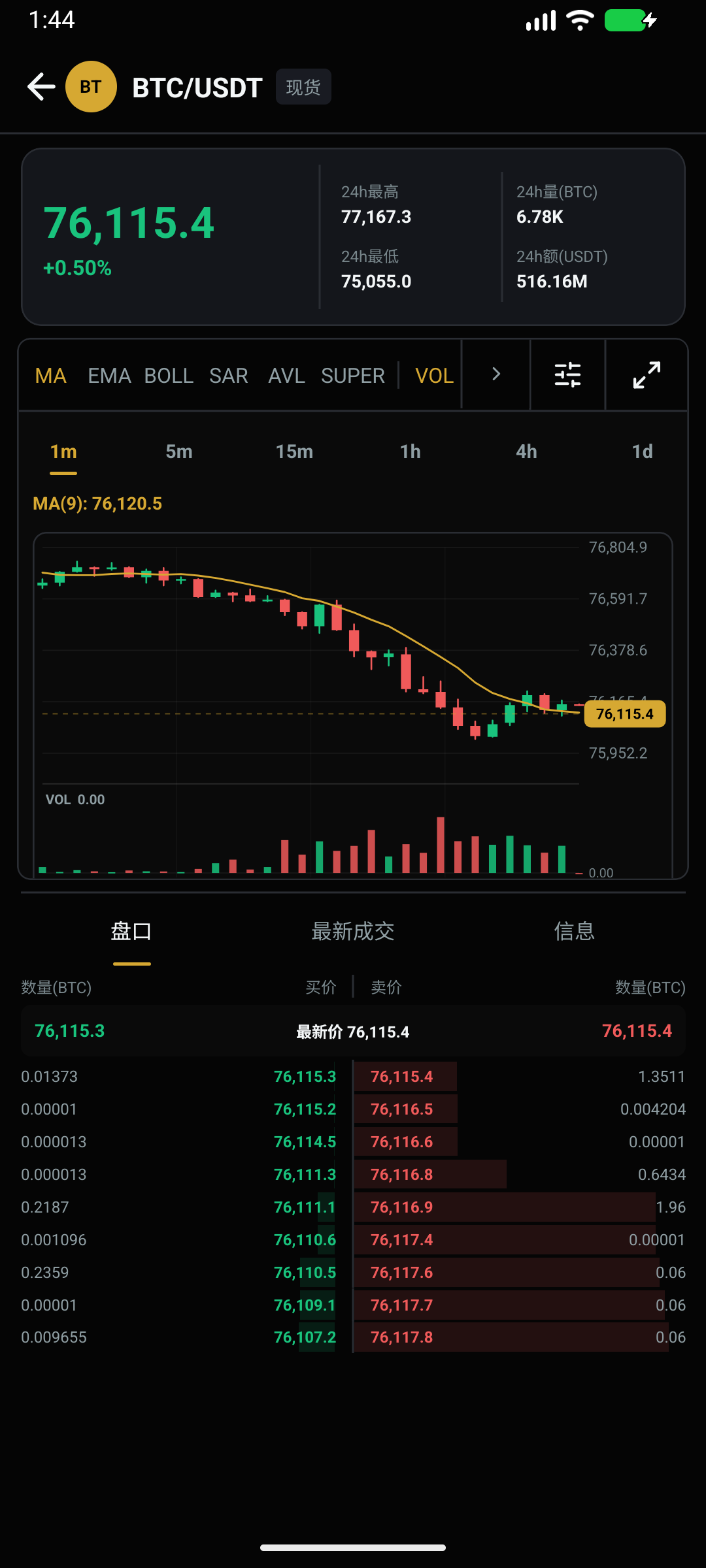
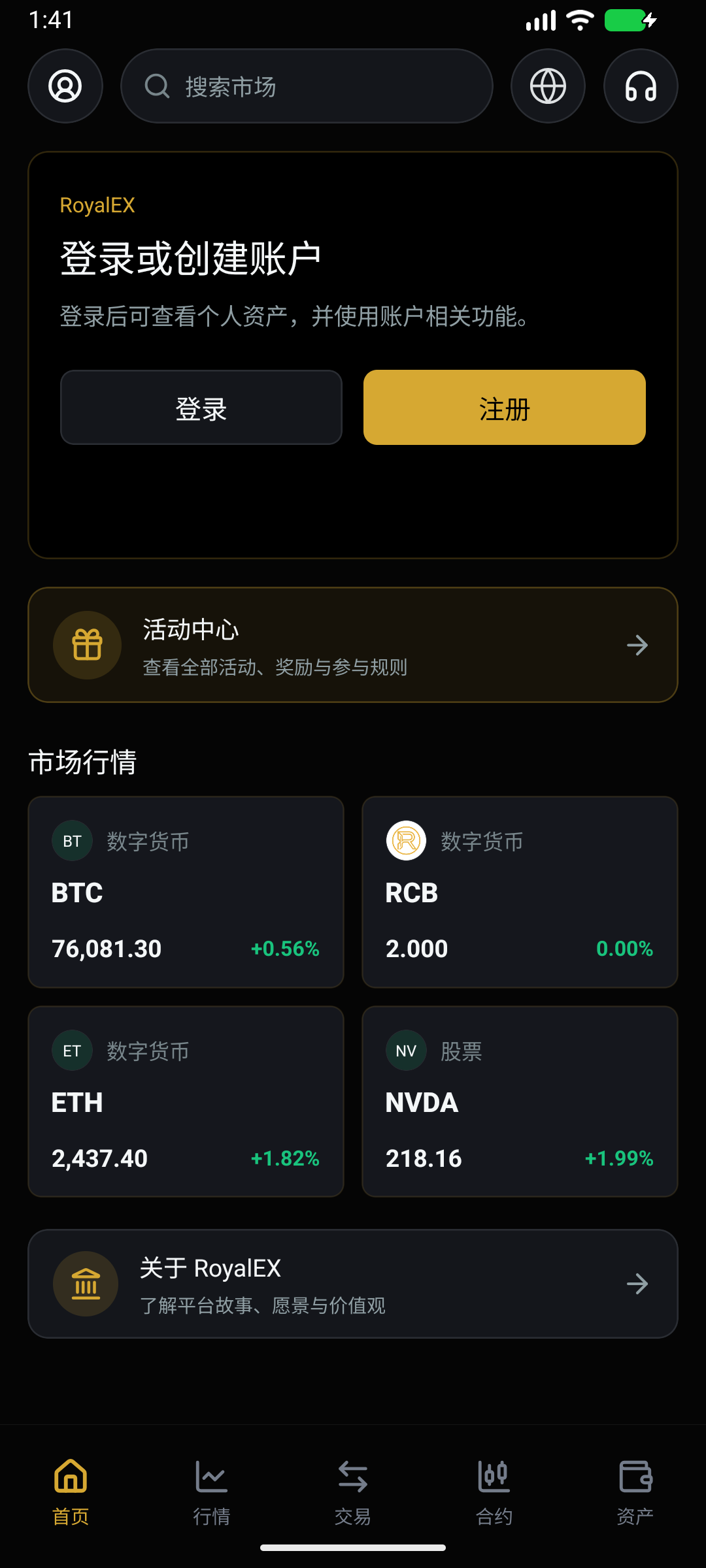
App preview. Language and market data depend on your in-app settings and current market conditions.
Follow live prices, market movements and order books for the pairs you care about.
Explore multiple chart intervals and technical indicators, with landscape viewing for more room to analyze.
Access your assets and trading history, with trading and account management in one place.
For devices running Android 7.0 or later
Select the download button, or scan the QR code on your phone to save the installation file.
Open the downloaded APK file and follow the Android system prompts to install RoyalEX.
Open RoyalEX and sign in to your existing account, or register a new account to get started.
Open Downloads in your browser or device file manager, then select the APK you downloaded from this page. Follow the Android system prompts to complete installation.
Download the latest APK from this page and follow the update prompts. If Android reports a signature mismatch or installation error, contact support to confirm your existing version before uninstalling.